What the Speed Next to Wi-Fi Means
A strong wireless link, a fast local transfer and a fast internet connection are three different results. The path a measurement includes decides which claim it can support.
In this story 5 sections
A laptop shows a connection speed that looks easily high enough to copy a file before you leave the room. The copy takes longer. An internet test reports still another number. Move closer to the router and one figure goes up while the speed of a particular download stays about the same. None of these experiences requires a faulty display. They can arise because more than one part of the system has been asked to make a measurement, and the three parts are working along different stretches of your route.
The link rate is associated with sending data on a selected wireless link under particular conditions. Useful application throughput describes what arrives for the thing you are trying to do over time. An internet test includes at least the relevant local network, the upstream connection and a path to a remote test service. These numbers should not be expected to agree simply because they can all be expressed in bits per second. It pays to mark out the route you want to investigate before treating a number from one part of it as a complete statement about another.
The air is not set aside for only your file
Think of traffic moving in short bursts across a shared channel. A wireless device may use time for management and control, wait for a chance to send and arrange to acknowledge received data. Information that lets a receiver interpret or manage a transmission can take space or time while contributing no bytes to the file you will ultimately save. A data rate based on the transmission of part of a signal can therefore be higher than the application's measured throughput. Cisco’s testing material emphasizes overhead, sharing and link conditions in explaining this difference.
A small sample calculation helps locate one common surprise. A link rate of 300 megabits per second would correspond to 37.5 megabytes per second if those were nothing but continuous useful transferred bits, using eight bits per byte and decimal units. A file copy tool reporting useful bytes does not count the same things the raw rate did, and there is no reason for it to live at that converted value. Some displays use binary prefixes or conventions different from the device reporting the link rate. Check units first. It takes less time than investigating a supposed difference of eightfold.
Now place a second device on a channel shared by the first. It can ask for its own airtime. If it transmits quite slowly in a suitable measurement, it can use a different fraction of the available time for a similar amount of data. This is one reason the label connected gives no direct assurance of an even share or speed for every device. One number may stay impressive when the opportunities for a particular client to deliver useful bytes have changed. An ordinary local comparison can help see which behavior you actually need to explain.
Link conditions can change while the logo stays in place
A device near an access point can encounter a different signal and interference environment from a device farther away or behind a different set of surfaces. Different frequencies, client capabilities, channel width and other conditions can affect the rates used. The source can also report different values for sending and receiving or show a recent rate that does not stay fixed through a longer operation. A router can retain the same location and settings while link conditions around one person change. Keeping the status panel open is not the same as measuring useful transfer for the entire period.
Compare the same laptop at two ordinary positions on a network for which you have permission to test. Make note of which access point or band the system reports if that information is available and relevant. Keep the endpoint at the other side of your test constant and avoid adding an active second transfer as a new variable. If only one comparison is made, a change in the background use of the network may account for part of it. A few readings, with times and conditions recorded, make a better argument than one striking result.
One change in position might have obvious effects on the link rate and little impact on the file operation. An older computer serving the file could be reading it from slow storage. The program might transfer a large collection of tiny files and spend considerable time setting up each operation. The local result can include the performance of the endpoints rather than only the wireless path. A single sizable transfer under otherwise comparable conditions gives a narrower question. The things it leaves out still need to remain visible if the measurement will be used to explain a different application.
Find the difference between local and outside
An internet test depends on the path to the chosen remote service. It can include the local wireless link, wired equipment, the internet provider and a section of wider network, as well as the way a test application runs. If a local transfer is fast but a remote download is slow, the result gives you some direction. It is not proof of which part of the remote path imposed a limit. If the remote result is unstable, test conditions and server choice matter as well. A service advertised at a given rate cannot be diagnosed conclusively from an unexplained one-time measurement.
A local test can be useful precisely because it leaves those extra relationships out. Send data between equipment at known places on a network you operate. If an appropriate test endpoint is connected by a reliable wired path, that can keep the test from involving two separate wireless sections. Such a result does not tell you the speed of writing to remote storage or uploading to a site. It gives you a smaller set of conditions to compare. The practical comparison traces what was common to the local and remote results and what was added in the second.
Waiting is another property. A game or conversation can feel poor when updates arrive irregularly or late even though there is enough capacity for a larger file to move quickly over several seconds. If the symptom is an interruption, report it as a pattern with time as well as a rate. Counting the total bytes in a minute does not necessarily reveal whether there was a long pause halfway through. Comparing the measure to the use is more valuable than attaching the word slow to all behaviors of a network.
Make changes one at a time and look for the limiting path
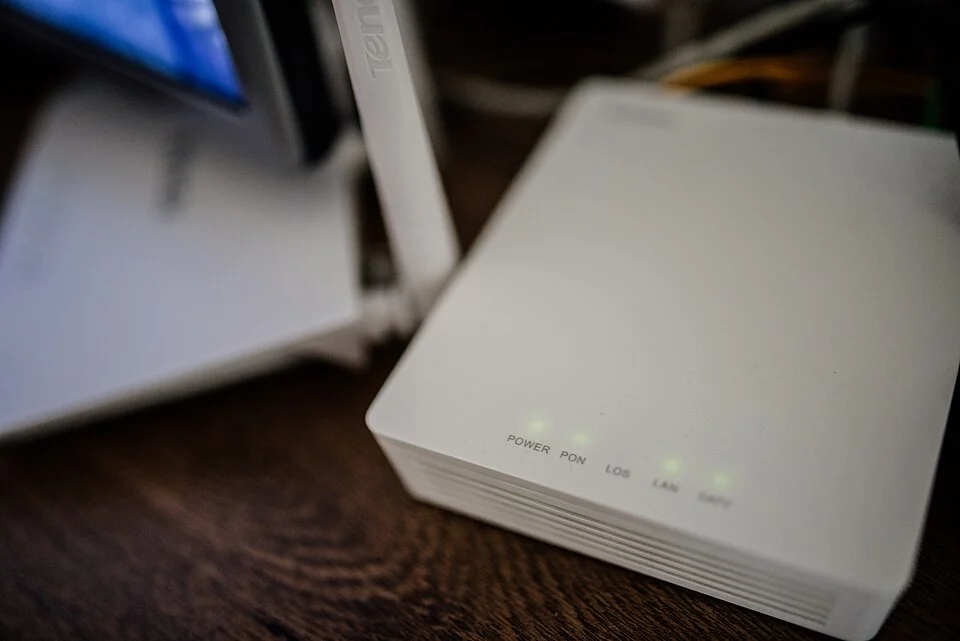
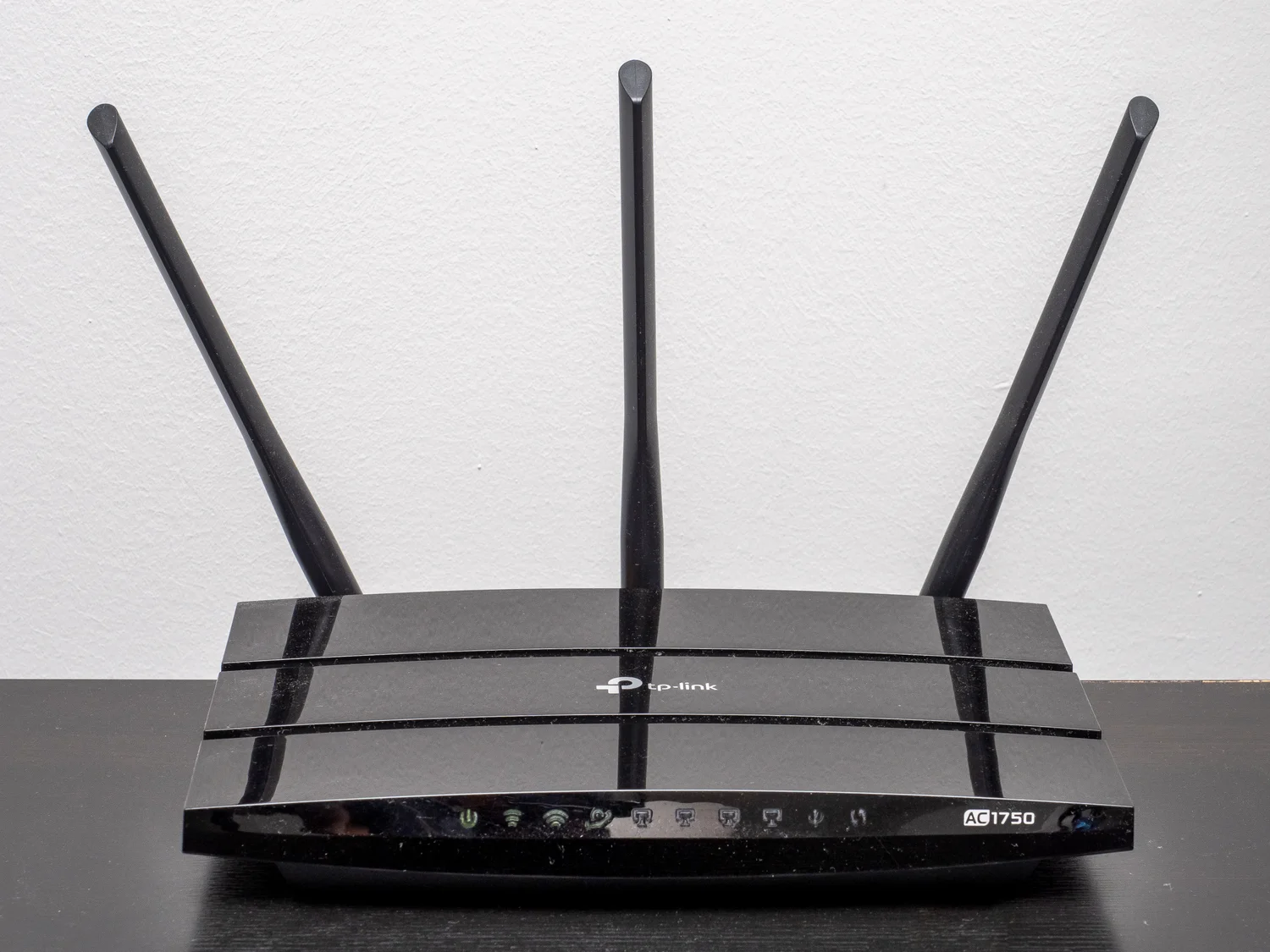
A router pictured on a desk can represent several functions in one box: a wireless access point, a route toward another network and, on some devices, a combination with other hardware. A client might be close to it over the air and still reach a slow part of the way to a remote destination. Another client could be attached to quite fast fixed equipment for the local portion and meet the same outside constraint. Think about what is shared before replacing the one visible object that gives the network its name.
For a useful comparison, write the units expected in each result. Imagine a complete fictional transfer of 180 megabytes in twelve seconds. In decimal units that is fifteen megabytes per second, or about 120 megabits per second. If the reported link rate is 300 megabits per second, the local transfer averaged something substantially lower. It does not tell how much of the difference came from any one source. If a remote test uses a different file size, destination and elapsed period, putting its number in the same unit helps you see the size of the difference without establishing the cause.
Choose the ordering of tests so somebody can repeat the work. Try one supported local comparison, then the remote one, then the local one again under similar conditions. That third measurement can flag a change that affected both. A record of one consistently fast section and a variable longer one supports a different next step than two sections getting slow at the same time.
Include any major change in network use between the runs. The movement of an unrelated large backup can explain a difference a simple comparison of two rooms would otherwise attribute to walls.
A small note gives the three speeds room to disagree
For each observation, write the standing and moving parts of the test. Give the device, its position, what it said the link was doing and where the test was sending its data. Record whether someone was transferring a file locally or contacting a remote service. Give each measurement units and a time or period. A reader should be able to tell which figures represent conditions on one link and which ones give a result end to end. The note gains value when it preserves differences you expected it would erase.
Go back to the laptop and set the three figures beside each other. Each describes a piece of the experience. The link has provided an estimate of how it can send; the local transfer has done actual work over a limited route; the internet test carried its own traffic beyond that route. The numbers can honestly differ. Their distance from one another is often the most useful sign of what to investigate next.